Σας εγγυόμαστε ότι παίρνετε τη χαμηλότερη τιμή. Αν βρείτε καλύτερη τιμή αλλού για τον ίδιο κύκλο μαθημάτων γλώσσας μέσα σε 48 ώρες, θα σας επιστρέψουμε τη διαφορά.Εμφάνισε λεπτομέρειες
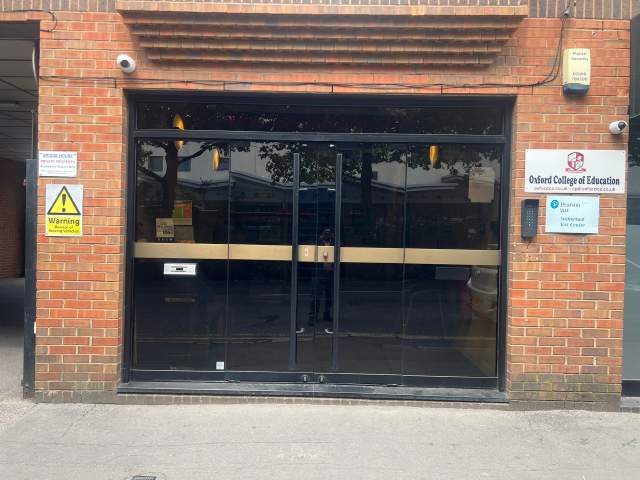
Oxford College of Education Bridge House, 56 Bridge St, High Wycombe, High Wycombe, Buckinghamshire HP11 2EL, UK
1 μάθημα την εβδομάδα (κάθε μάθημα διαρκεί 60 min)
Ημέρες Μαθημάτων
Δευτέρα - Κυριακή
Το πρόγραμμα της αίθουσας ενδέχετε να αλλάξει ανάλογα με την διαθεσιμότητα και την εποχή.
Περιγραφή κύκλου μαθημάτων
(Translated by Google Translate)
Microsoft Excel Certification Level 3
Please Note: This course uses the Windows version of Microsoft Office 2016. Any other versions will have some differences in the functions.
The Microsoft (MS) Excel Certification Level 3 Course is the most comprehensive of the three Excel courses presented here. If a team member has successfully completed the Level 1 and Level 2 courses, they will be fully prepared to start the Level 3 course.
Formulae or functions are what advanced users of Excel want from this tool. When you use formulae, not only can you see the data that you require for your work, you can also analyse it and get answers to complex questions.
Although anyone with some Excel knowledge can use formulae, such as SUM, a user who has the advanced Excel skills presented in this course will use other formulae, both alone and combined, such as MATCH, INDEX, DSUM and VLOOKUP.
In addition to knowing and using these formulae, an advanced user of Excel knows how to debug these formulae, how to audit them and how to choose the perfect formula for the particular task to be carried out.
What’s Covered in the Course?
Any staff member choosing to study this course can expect to gain the following skills:
How to set A Password to an Excel document;
VLOOKUP Advanced formula options and manipulations;
Other advanced functions: OR, AND, CHOOSE, INDIRECT, REPLACE, LEN, LEFT, FIND;
Functions of CEILING, CORREL, DATEDIF, DATEVALUE, DAVERAGE and EDATE;
Colouring a column and row with a formula;
Highlighting a cell with a formula;
Functions of ISODD, ISNUMBER, ISTEXT, ISLOGICAL, ISNONTEXT, ISERR and ISBLANK;
Functions of DGET, DMAX, DPRODUCT, DCOUNTA, DCOUNT and DSUM;
How to calculate depreciation in Excel, including SLN depreciation and SYD depreciation;
Calculating loan IPMT and EMI;
Functions of DATEDIF, DATEVALUE, EDATE, EOMONTH, MATCH and INDEX;
Full explanation of the INDEX and MATCH functions;
Looking up data;
Selecting only cells containing comments;
Hiding formulae;
Automatically inserting serial numbers;
The employee will also learn about calculating depreciation, calculating interest and calculating IPMT and EMI for loans, all by using Excel functions.
The course features information on INDEX and MATCH functions, which is important in certain industries and roles. It also shows learners how to use the CHOOSE formula and how to create special charts.
What are the Benefits of the Course?
Upon completion of the Level 3 course, the employee will have access to the full functionality of Excel and will know how to use all of its formulae, functions and capabilities;
The Level 3 Excel course is designed for ‘power’ users, but not only for programmers and those interested in financial modelling;
Competent Excel users add huge value to an organisation, through advanced data analysis.
Modules
Module 1: Add a Password
Module 2 : AND Function
Module 3 : Auto Updating Drop-down Lists
Module 4 : CEILING Formula
Module 5 : Charts that Update Automatically
Module 6 : CHOOSE Formula
Module 7 : Compare 2 Lists with VLOOKUP Function
Module 8 : CORREL Function
Module 9 : Create an Advanced Calculator
Module 10 : Create a Combo Chart
Module 11 : Create a Custom Tab
Module 12 : Create a Pivot Chart
Module 13 : Create Visual In-cell Indicators
Module 14 : Create Visual In-cell Indicators with Icon Sets
Module 15: Customise the Status Bar
Module 16: DATEDIF Function
Module 17: DATEVALUE Function
Module 18: DAVERAGE Function
Module 19 : DCOUNT Function
Module 20 : DCOUNTA Function
Module 21 : Depreciation Formula
Module 22 : DGET Function
Module 23 : DMAX Function
Module 24 : DPRODUCT
Module 25: DSUM Function
Module 26: EDATE Function
Module 27: EOMONTH Function
Module 28: Find and Replace
Module 29: FIND Function
Module 30: INDEX Function
Module 31: INDEX MATCH Function
Module 32: INDIRECT Function
Module 33: Insert Serial Number Automatically
Module 34: IPMT Function
Module 35: ISBLANK Function
Module 36: ISERR Function
Module 37: ISLOGICAL Function
Module 38: ISNONTEXT Function
Module 39: ISNUMBER Function
Module 40: ISODD Function
Module 41: Isolate First Name
Module 42: ISTEXT Formula
Module 43: LEFT Function
Module 44: LEN Function
Module 45: MATCH Function
Module 46: VLOOKUP Multiple Results at Once
Module 47: OR Function
Module 48: PMT Function
Module 49: REPLACE Function
Module 50: Select all Cells with Comments
Module 51: Sparkline Charts in Excel
Module 52: Straight Line Depreciation
Module 53: Strikethrough
Module 54: Sum of Years Depreciation
Module 55: Timeline in Pivot Table
Module 56: VLOOKUP with 2 Criteria
Module 57: VLOOKUP with DropDown List
Module 58: VLOOKUP with MAX
Module 59: VLOOKUP with MIN
Module 60: Watch Window In Excel
Επίπεδο αίθουσας
Όλα τα επίπεδα,αρχάριο έως ανώτερο
Θα περάσετε από εξέταση την σας μέρα για να προσδιοριστεί το γνωσιακό σας επίπεδο Μπορείτε επίσης να κάνετε αυτό το τεστ πριν από την άφιξή σας στο High Wycombe.
Μέγεθος τάξης
Μέσος Όρος
12 σπουδαστές
Μέγιστο
15 σπουδαστές
Ηλικία σπουδαστή
Κλίμακα ηλικιών
16 - 35 ετών
Μέσος Όρος
19 ετών
Πιστοποιητικό
Ένα πιστοποιητικό ολοκήρωσης θα εκδοθεί στο τέλος του κύκλου μαθημάτων.
Διαβάστε περισσότερα...
school
Περιγραφή σχολής
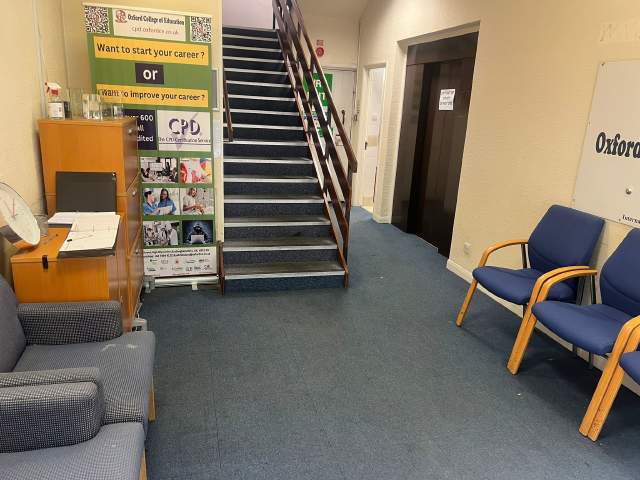
Η OCE βρίσκεται στην καρδιά του High Wycombe και έιναι μία από τις πιο γνωστές σχολές στο Ηνωμένο Βασίλειο. Η σχολή ειδικεύεται στην εκπαίδευση !of Αγγλικά σε ξένους σπουδαστές σαν κι εσένα. Το μέγεθος της τάξης τους είναι επίσης πολυ μικρό σε σύγκριση με άλλες σχολές. Επίσης έχουν πολύ φιλικούς καθηγητές και προσωπικό που θα σας προσέξουν για όσο καιρό είστε Στο High Wycombe.
Έτος άνοιξε
2017
Αριθμός αιθουσών
6
Διαπιστεύσεις
Εγκαταστάσεις
Βιβλιοθήκη
Ανελκυστήρες
Προσβάσιμες με αναπηρικό καρότσι
Χώρος φαγητού
Δωρεάν internet
Ασύρματη σύνδεση Internet
Υπολογιστές
Σεμινάρια μετά τα μαθήματα
Μελετώντας περιοχή
Ηχου μάθηση
Διαπιστεύσεις καθηγητή
Έχοντας τα Αγγλικά μητρική γλώσσα
Πάνω από 50%
Καθηγητές με πιστοποίηση διδασκαλίας στα Αγγλικά
Πάνω από 50%
Καθηγητές με πτυχίο κολεγίου
Πάνω από 50%
Εθνικότητα και ηλικιακή μίξη
Η εθνικότητα και η ηλικία στην Oxford College of Education ποικίλλει σε διαφορετικές χρονικές περιόδους, κύκλους σπουδών, και επιπέδων. Κατά τη διάρκεια του έτους, η μέση ηλικία είνα ι19. Το καλοκαίρι, η μέση ηλικία είναι 19.
Διακοπές σχολής
OCE δεν διαθέτει μαθήματα κατά τη διάρκεια των διακοπών για ημερομηνίες. Το σχολείο δεν αναπληρώνει την διακοπή, οπότε φροντίστε να επιλέξετε ημερομηνία έναρξης σας αναλόγως.
Ημερομηνίες έναρξης
Όλο το χρόνο
Διακοπές σχολής
Κανένα
Διαβάστε περισσότερα...
photos
Φωτογραφίες
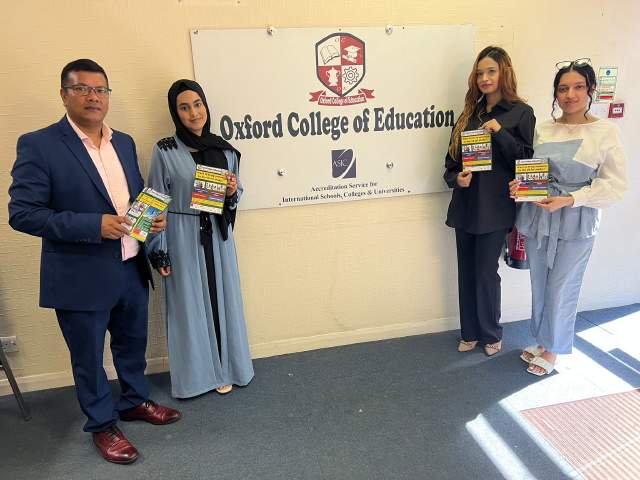
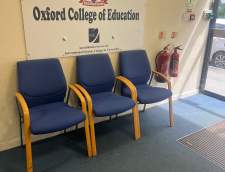
Oxford College of Education1/10
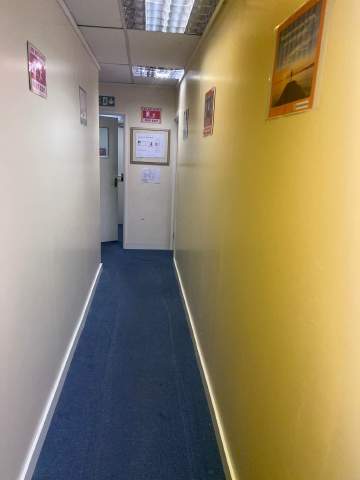
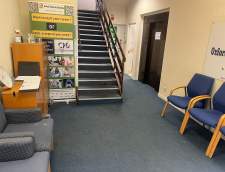
Oxford College of Education2/10
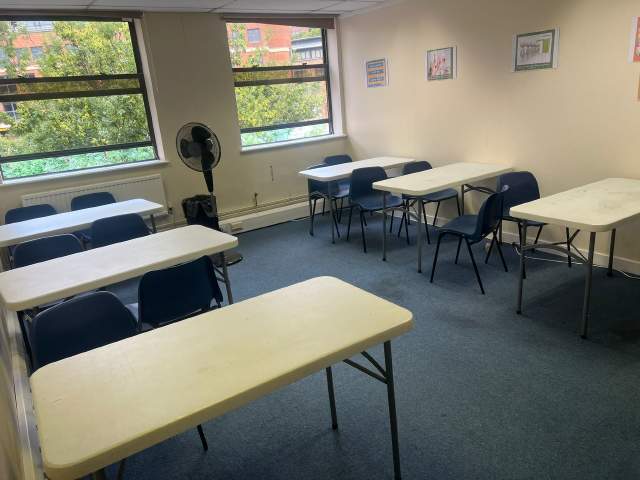
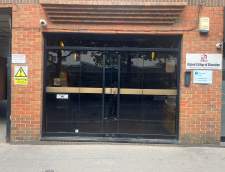
Oxford College of Education3/10
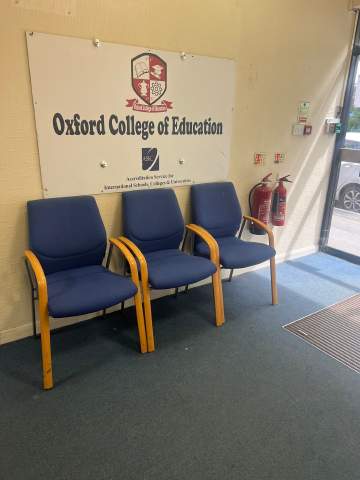
Oxford College of Education4/10
Oxford College of Education5/10
Oxford College of Education6/10
Oxford College of Education7/10
Oxford College of Education8/10
Oxford College of Education9/10
Oxford College of Education10/10
visa
Υποστήριξη βίζας
Δεν μπορούμε να υποβάλουμε αίτηση για βίζα για λογαριασμό των σπουδαστών. Ωστόσο, η σχολή μπορεί να σας προμηθεύσει με όλα τα έγγραφα που χρειάζεστε για να υποστηρίξετε την αίτηση βίζας.
Αν σπουδάζετε στη Βρετανία για πάνω από 11 μήνες, θα λάβετε έναν αριθμό που ονομάζεται Βεβαίωση Αποδοχής Σπουδών (CAS) και θα που θα πρέπει να το υποβάλετε στην πρεσβεία του Ηνωμένου Βασιλείου μαζί με την φοιτητική σας βίζα. Οι σπουδαστές που έχουν κάνει επιτυχή κράτηση εκμάθησης ξένης γλώσσας και έχουν πληρώσει τα δίδακτρά τους τους, θα λάβουν ένα CAS από την ! school_short_name. Παρακαλούμε λάβετε υπ όψην σας ότι η νομοθεσία του Ηνωμένου Βασίλειου αναφέρει ότι το CAS μπορεί να εκδίδεται μόνο για φοιτητές που σκοπεύουν να ακολουθήσουν σπουδές αγγλικής γλώσσας για πάνω από 11 μήνες.
Εάν σπουδάζετε στο ΗΒ για 11 μήνες ή λιγότερο, πρέπει να κάνετε αίτηση για μία ειδική βίζα που λέγεται Βιζα Σπουδαστή Επισκέπτη. Σαν επισκέπτης σπουδαστής, δεν θα μπορείτε να εργάζεστε part - time κατά τη διάρκεια των σπουδών σας. Εάν σχεδιάζετε να σπουθάσετε στο ΗΒ για λιγότερο από 11 μήνες, θα σας αποσταλλεί ταχυδρομικά στην διεύθυνση κατοικίας σας ένα γράμμα αποδοχής χωρίς χρέωση.
Please note that we do not book flights for our students. If you are researching airfare costs, we recommend using Kayak.com, a search engine that lets you compare flight options from your home country to High Wycombe based on your budget, schedule and preferences.
Ασφάλεια ταξιδίου
Σπουδάστε στο εξωτερικό χωρίς προβλήματισμούς με την ασφάλεια υγείας και προσωπικής κάλυψης της Language International. Όταν πραγματοποιείτε κράτηση κύκλου σπουδών με μας, μπορείτε να επιλέξετε να αποκτήσετε ένα διεθνές σχέδιο ασφάλισης που δεν καλύπτει μόνο το κόστος της υγειονομικής περίθαλψης, αλλά και την απώλεια των προσωπικών σας αντικειμένων. Πρέπει να κάνετε κράτηση για την ασφάλεια σας εκ των προτέρων κατά την εγγραφή σας.