Digital Art Tools for Photoshop Certification

Oxford College of Education

Τιμή
school-reference
detail

Πρόγραμμα αίθουσας

Διάρκεια κύκλου σπουδών
52 εβδομάδες
Ημερομηνίες έναρξης
Κάθε Δευτέρα
Τάξεις ανά εδομάδα
1 μάθημα την εβδομάδα (κάθε μάθημα διαρκεί 60 min)
Ημέρες Μαθημάτων
Δευτέρα - Κυριακή

Το πρόγραμμα της αίθουσας ενδέχετε να αλλάξει ανάλογα με την διαθεσιμότητα και την εποχή.

Περιγραφή κύκλου μαθημάτων

Digital Art Tools for Photoshop Certification
Ever wonder why a picture in a magazine looks flawless or how creative an advertising banner looks? While being a professional designer or photographer may have a lot to do with it, the potential to create amazing images is possible for anyone. The key is to learn how to use the right post-production software, such as Adobe Photoshop. The ability to create multi-layers with unique effects and designs allows the designer to add depth and dimension. It is important to understand what Photoshop is used for as it has multiple functions and can be a very useful tool in not just editing photos, but also creating pamphlets, banners, business cards and flyers. This course will teach you about the benefits of such a program and also provides instructions on how to use it for both professional and personal needs.

Throughout the course, you will see 21 different videos. Each video will take you on a step-by-step journey through the basic features of Photoshop. While there are several obvious features, such as the ‘Layers’ dialogue box, there are additional ways to use each tool to maximise the post effects of a photo.

In this course, you will learn:
How to create a new file and adjust a canvas size that is suitable to project needs
How to navigate through the software, where to find its tools and understand the layout of the page
Learn how to identify Photoshop tools and understand their basic functionalities
Learn how to identify the secondary tools, how to select them and what they are used for
Learn shortcuts and understand how and when to use them
How to use the layer option and understand the layer dialogue box
Learn how to use and apply adjustment layers
How to add effects and filter to an existing image
Course Benefits:
You will learn the basic steps of using Photoshop and can begin to create a design
How to become more efficient by using shortcuts and understanding the use of specific tools
You will understand how to enhance an image and ways to crop the image to reuse for another project
The importance of colours and how they can be adjusted and enhanced using the different colour options such as colour balance
How to use brightness and contrast, exposure and hue and saturation to manipulate a photo
How to use rulers to make creative designs such as pamphlets
Design elements that enhance a creative project

Επίπεδο αίθουσας

Όλα τα επίπεδα,αρχάριο έως ανώτερο
Θα περάσετε από εξέταση την σας μέρα για να προσδιοριστεί το γνωσιακό σας επίπεδο Μπορείτε επίσης να κάνετε αυτό το τεστ πριν από την άφιξή σας στο High Wycombe.

Μέγεθος τάξης

Μέσος Όρος 12 σπουδαστές
Μέγιστο 15 σπουδαστές

Ηλικία σπουδαστή

Κλίμακα ηλικιών 16 - 35 ετών
Μέσος Όρος 19 ετών

Πιστοποιητικό

Ένα πιστοποιητικό ολοκήρωσης θα εκδοθεί στο τέλος του κύκλου μαθημάτων.
Διαβάστε περισσότερα...
school
photos

Φωτογραφίες

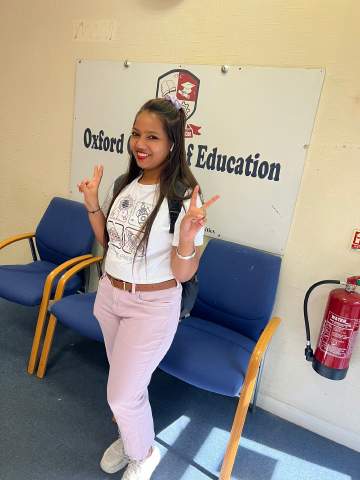
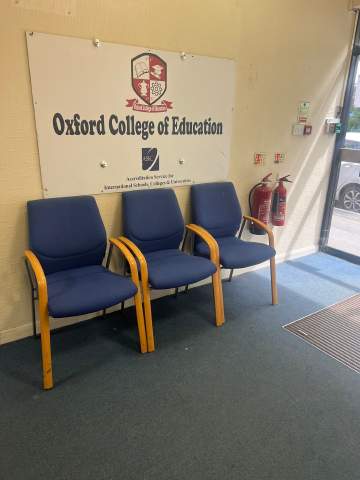
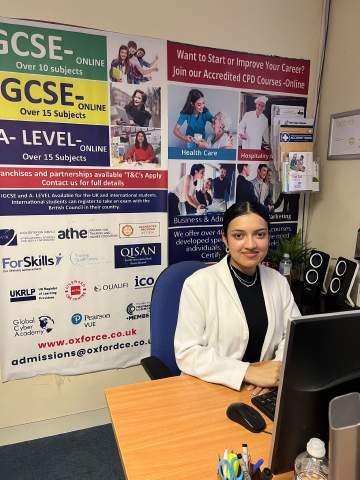
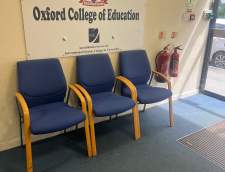
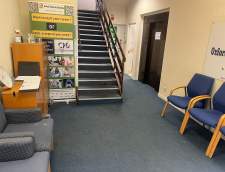
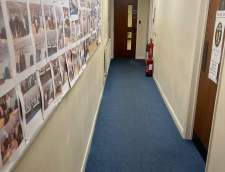
  • Oxford College of Education 1/10
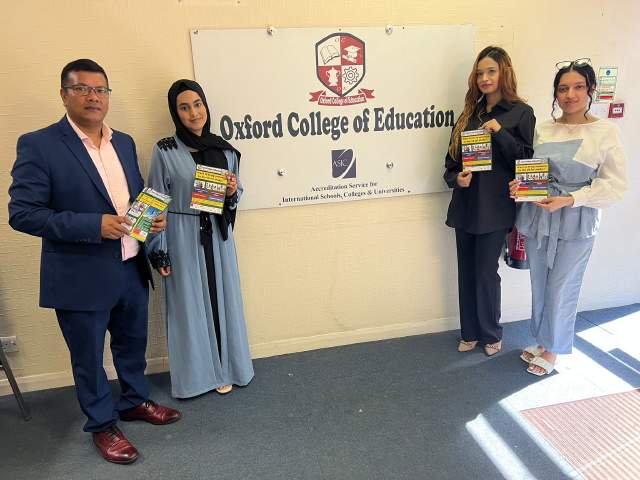
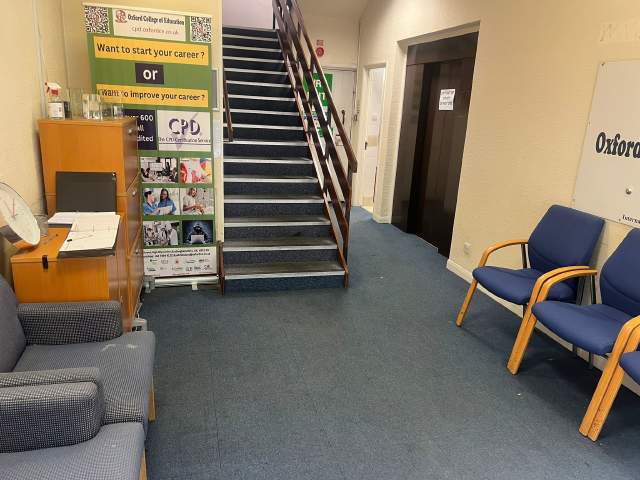
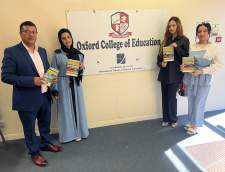
  • Oxford College of Education 2/10
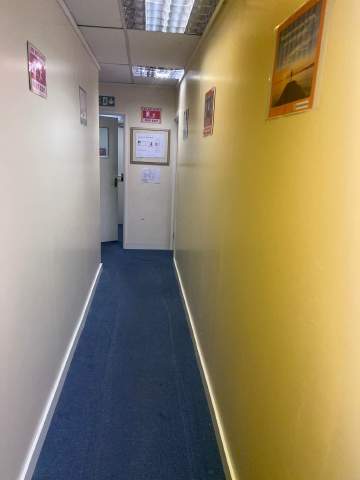
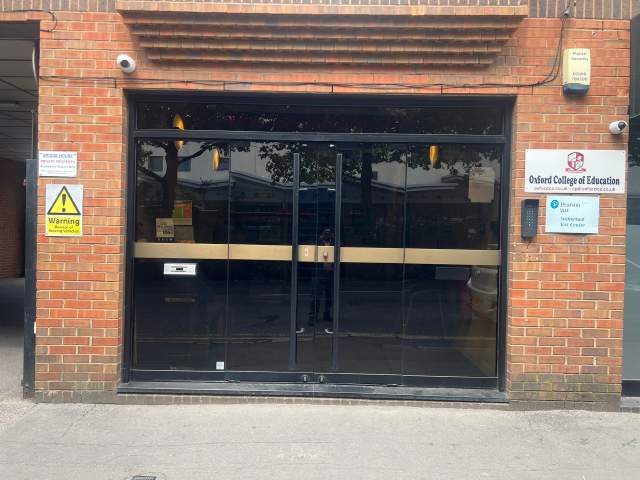
  • Oxford College of Education 3/10
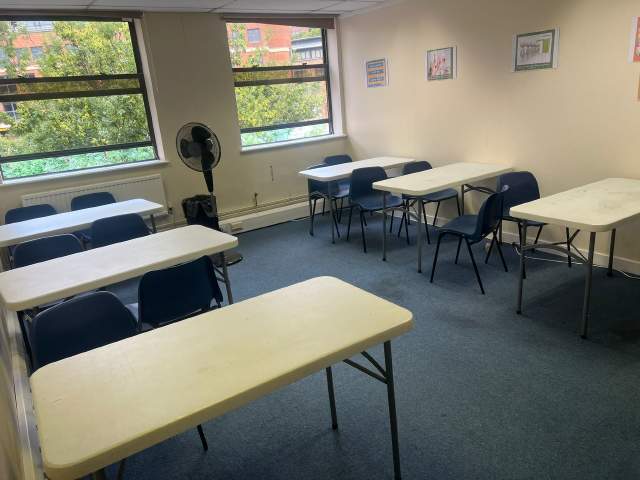
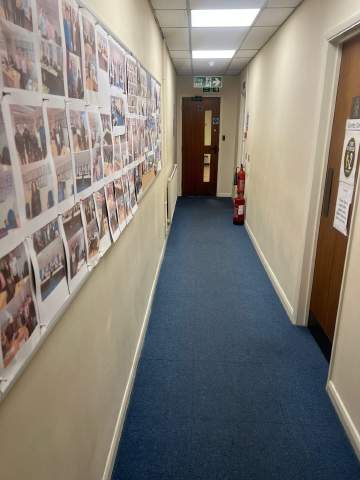
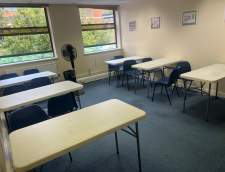
  • Oxford College of Education 4/10
  • Oxford College of Education 5/10
  • Oxford College of Education 6/10
  • Oxford College of Education 7/10
  • Oxford College of Education 8/10
  • Oxford College of Education 9/10
  • Oxford College of Education 10/10
visa

Υποστήριξη βίζας

Δεν μπορούμε να υποβάλουμε αίτηση για βίζα για λογαριασμό των σπουδαστών. Ωστόσο, η σχολή μπορεί να σας προμηθεύσει με όλα τα έγγραφα που χρειάζεστε για να υποστηρίξετε την αίτηση βίζας.

Αν σπουδάζετε στη Βρετανία για πάνω από 11 μήνες, θα λάβετε έναν αριθμό που ονομάζεται Βεβαίωση Αποδοχής Σπουδών (CAS) και θα που θα πρέπει να το υποβάλετε στην πρεσβεία του Ηνωμένου Βασιλείου μαζί με την φοιτητική σας βίζα. Οι σπουδαστές που έχουν κάνει επιτυχή κράτηση εκμάθησης ξένης γλώσσας και έχουν πληρώσει τα δίδακτρά τους τους, θα λάβουν ένα CAS από την ! school_short_name. Παρακαλούμε λάβετε υπ όψην σας ότι η νομοθεσία του Ηνωμένου Βασίλειου αναφέρει ότι το CAS μπορεί να εκδίδεται μόνο για φοιτητές που σκοπεύουν να ακολουθήσουν σπουδές αγγλικής γλώσσας για πάνω από 11 μήνες.

Εάν σπουδάζετε στο ΗΒ για 11 μήνες ή λιγότερο, πρέπει να κάνετε αίτηση για μία ειδική βίζα που λέγεται Βιζα Σπουδαστή Επισκέπτη. Σαν επισκέπτης σπουδαστής, δεν θα μπορείτε να εργάζεστε part - time κατά τη διάρκεια των σπουδών σας. Εάν σχεδιάζετε να σπουθάσετε στο ΗΒ για λιγότερο από 11 μήνες, θα σας αποσταλλεί ταχυδρομικά στην διεύθυνση κατοικίας σας ένα γράμμα αποδοχής χωρίς χρέωση.

Μάθετε περισσότερα για το πώς να βγάλετε αγγλική βίζα »

Πτήσεις και μεταφορά αεροδρομίου

Please note that we do not book flights for our students. If you are researching airfare costs, we recommend using Kayak.com, a search engine that lets you compare flight options from your home country to High Wycombe based on your budget, schedule and preferences.

Ασφάλεια ταξιδίου

Σπουδάστε στο εξωτερικό χωρίς προβλήματισμούς με την ασφάλεια υγείας και προσωπικής κάλυψης της Language International. Όταν πραγματοποιείτε κράτηση κύκλου σπουδών με μας, μπορείτε να επιλέξετε να αποκτήσετε ένα διεθνές σχέδιο ασφάλισης που δεν καλύπτει μόνο το κόστος της υγειονομικής περίθαλψης, αλλά και την απώλεια των προσωπικών σας αντικειμένων. Πρέπει να κάνετε κράτηση για την ασφάλεια σας εκ των προτέρων κατά την εγγραφή σας.

Μάθετε περισσότερα για το ασφαλιστικό μας σχέδιο »

Διαβάστε περισσότερα...
questions

Ερωτήσεις & Απαντήσεις

Έχετε απορίες; Λάβετε απαντήσεις από τους συμβούλους σπουδών μας και το προσωπικό του Oxford College of Education και από προηγούμενους μαθητές.

Κάντε μια ερώτηση
Προβολή τιμών